Stop giving agents a browser and calling it QA
Hand an agent a browser and a blank page, and it will click something. That demo looks like progress but it is not quality assurance.
Quality assurance is knowing which journey matters, whether the Result is real, and what a failure means when the pack turns red. An agent that only drives a browser has to invent all of that above the click. An agent connected to DoesQA inherits all that knowledge and capability.
Testing a page was never the hard part
Most agents test everything in near-total isolation: open a tab, then start guessing what the next step should be. They can fill a form. They can assert text. But they cannot tell you whether login is already covered, which Element the team trusts, or why eighty-three Tests failed for the same reason.
DoesQA is addressable over MCP at https://mcp.ai.does.qa/mcp, and over the doesqa CLI with the same token. One connection exposes 50+ tools: Flows and Test Steps, Elements, Run Recipes, Runs and Results, artefacts and traces, coverage, failure patterns, Suggestions, knowledge search, the in-app Assistant, and durable memory.
The browser automation is the easy part.
Ask the product’s own expert
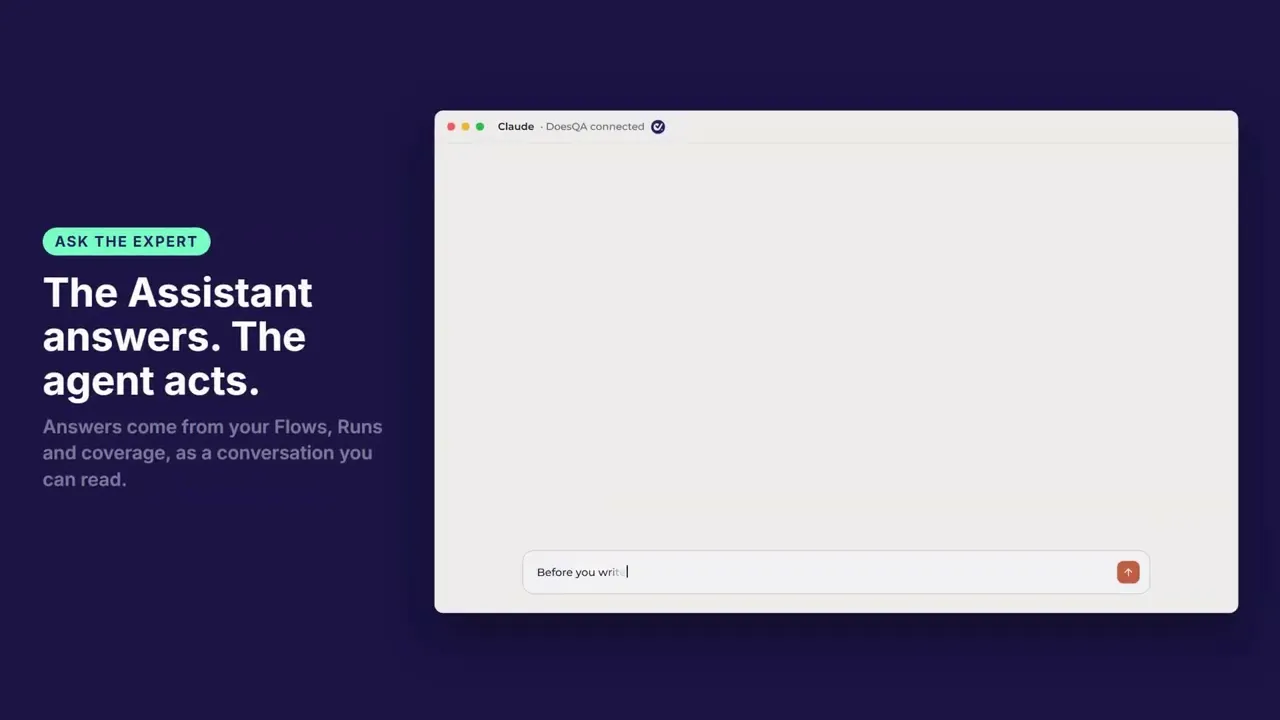
Before an agent writes a Test, it can ask the in-app Assistant how your product works. The answer comes from your Flows, your Runs, and your coverage. The whole exchange shows up as a conversation you can read.
The Assistant answers. The agent acts. The split between them makes a huge difference, and a human stays in the loop the entire way.
Memory that outlives the session
Everything an agent learns the hard way is normally gone when the chat closes. The next session asks the same questions and repeats the same mistakes.
With DoesQA, session two starts where session one finished. Default memory is private to the person behind the token, but you can use the account scope when a fact should be shared across the team’s agents.
This is stored facts and retrieval.
Review a journey, not a diff
Every change and every Run hands you a link into DoesQA. Open the Flow. Open the Run. Read the screenshots and the traces. Pass and fail still come from real browsers and the Steps on the canvas.
Everything persists beyond the conversation. The Flow is saved. The Run is executed on hosted runners. The Results are recorded. A person or a Schedule can pick it up later.
What it leaves in your repo
doesqa pull writes a read-only mirror under .doesqa/. Flows land as markdown: front matter, a Mermaid diagram, and a compact JSON step map. Elements and Run Recipes land as flat records. Output is deterministic, so committing .doesqa/ gives reviewable diffs.
The example Flow in our sandbox account has 115 Test Steps across 6 Test Cases and renders to a 389-line document. This provides historical context as your test suite grows.
Same job, fewer tokens
Because the agent reads a formatted Flow document instead of a payload dump, the same job costs over 50% fewer tokens in our grading runs and holds up on smaller models (Sonnet rather than Opus) with the same graded results. A 115 Step Flow comes back as 389 lines. List calls return slim records. The context window is not spent rediscovering your suite from a codebase.
Stop calling the demo QA
Agents are how a growing number of teams touch tooling. Giving them a browser gives them some power. Giving them DoesQA gives you results you can ship against.
How to connect: MCP and the CLI. The longer product map is DoesQA AI.
Start a trial. Cancel online.


