Related features
Create tests with AI
Create, expand, and refine test Flows using natural language, with full control in the Flow Builder.
Expand coverage, intelligently
Get guided suggestions on what to test next, and expand your coverage instantly with AI.
Automation Intelligence Assistant
Understand, improve, and expand your automation with an assistant that knows your tests, your product, and your entire test pack.
26.4.0
DoesQA for AI agents
Let your AI agent build, run and triage real Tests
An AI coding agent can now work inside DoesQA, rather than around it. Connect once over MCP or the DoesQA CLI and the agent gets the platform: Flows and Test Steps, Elements, Runs and Results, traces, coverage, failure patterns, the in-app Assistant and durable memory.
Work arrives as product data, not as a codebase to maintain.
It asks before it writes
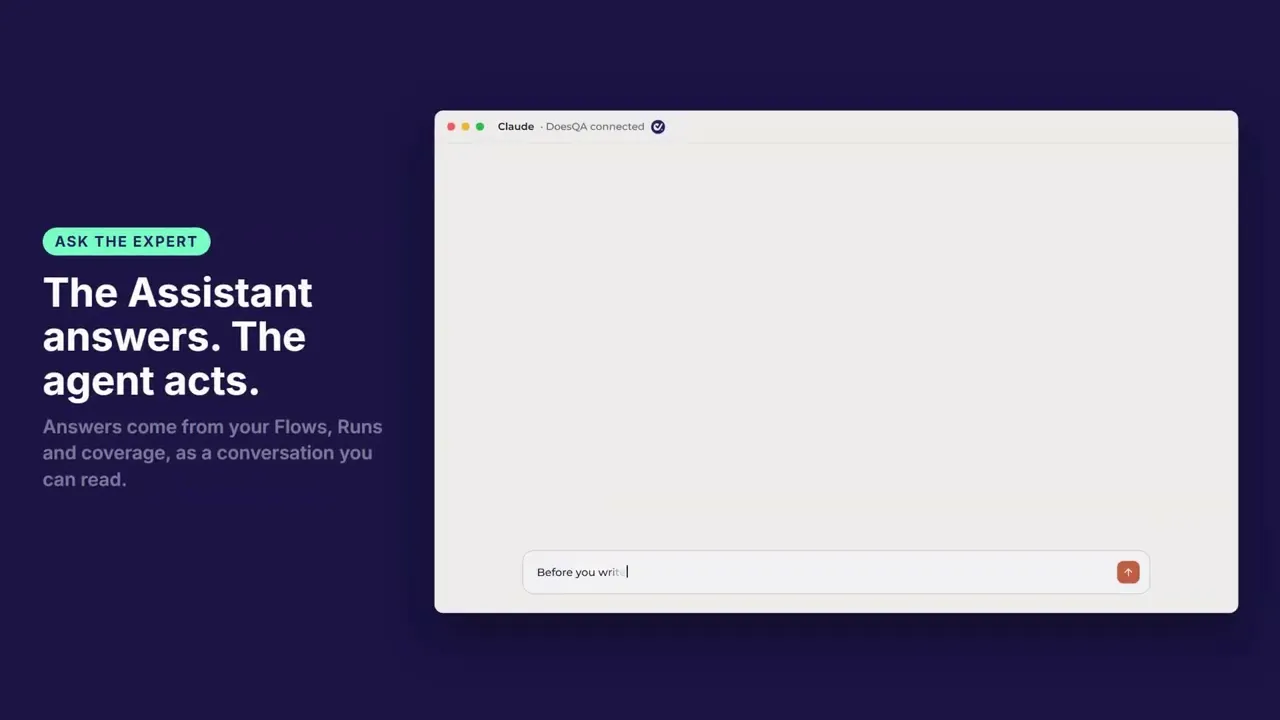
The agent can ask how your product works before it writes a Test. Answers come from your Flows, Runs and coverage, and the exchange shows up as a conversation you can read. Memory is stored for the account and scoped to the people and agents you choose, so session two starts where session one finished.
Review is opening a link
You read the journey on the canvas and see evidence from a real browser. Flows stay saved, Runs queue on hosted runners and Results stay recorded after the agent session ends.
Flows as readable documents
doesqa pull mirrors your Flows into .doesqa/ as readable documents: front matter, a diagram and a step map. They are generated, so you read them rather than maintain them.
Access on your terms
Scoped tokens, so you grant only the tools you choose
Revoke access in the app whenever you want it gone
Tokens expire
Auth is per user and per account
Each token belongs to one person on one account, so you can see who connected an agent and stop it instantly.
Fewer tokens, same results
Same job, over 50% fewer tokens in our grading runs, with the same graded results on a smaller model. The saving is structural: the agent reads a compact Flow document instead of a payload dump.
Prefer the terminal? The DoesQA CLI guide covers setup, and the Access tokens guide shows how to connect an agent as you.
