Stop Guessing, Start Testing with Data
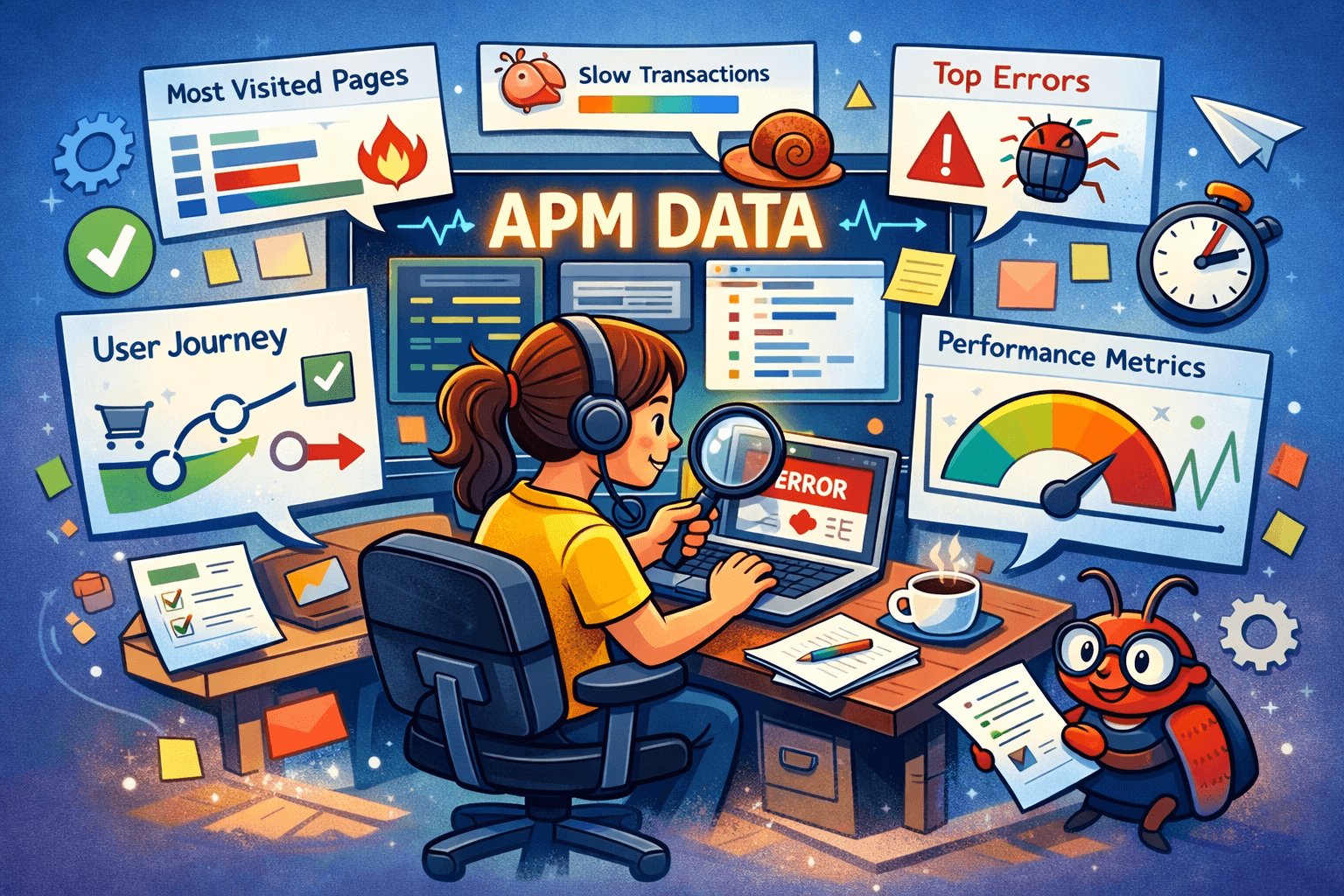
APM is not just for ops teams watching production dashboards. For testers, it is a practical source of truth. This article breaks down five ways APM data helps testers stop guessing, focus regression where it matters, strengthen exploratory testing, write clearer bug reports, and feel more confident in their decisions. If you want your testing to be guided by real usage instead of assumptions, this is a solid place to start.
5 Reasons Why Testers Should Pay Attention to APM
This is a refresh of an article we did a year ago - Observability, Post-Deployment QA - with five great ways to make use of your APM in testing.
APM tools like Sentry are usually used by operations teams to watch production for errors and performance issues. But the data they collect can also help testers make better decisions, plan tests more effectively, and understand problems faster.
Think of APM data as real usage signals. Instead of guessing what matters most in your app, you get evidence. That’s useful whether your tests are manual, automated, or somewhere in between. Here are 5 reasons you should care about them:
(1) Stop Guessing What Matters
Often, test plans are based on assumptions. A feature feels important. A flow seems risky. Sometimes that matches reality, sometimes it does not.
Data from APM shows what users actually do:
Where most traffic goes
Which flows get used all the time
Where errors or slowdowns happen most
That means you can choose what to explore or automate based on how your product is used in the real world.
(2) Make Regression Feel Less Random
Regression testing is often a large suite of checks that runs whenever something changes. That’s fine, but it can feel like firefighting if you don’t know what has a real impact.
APM insights help tighten that focus. High-traffic areas and known production pain points become obvious places to check first. Slow responses or recurring errors become tests rather than mysteries.
It makes regression testing feel more purposeful and less like a checklist.
(3) Give Exploratory Testing Better Tools
Exploratory testing is a creative process. You click around, poke at the edges, see what happens. But when something feels wrong, pinning it down is not always easy.
APM gives you more context when things go sideways:
Errors logged at the moment they occur
Stack traces ready to inspect
Performance data that highlights the bottleneck
Instead of reporting “this part felt slow,” you can share exactly where the delay happened and what likely caused it. That makes findings easier to understand and act on. Developers will love you for this, guaranteed.
(4) Better Bug Reports with Context
One of the hardest parts of testing is handing bugs to developers. Missing context, unclear steps, or confusion about the environment can waste time.
APM data fills a lot of that gap automatically:
Exact error details
What happened just before the issue
Environment or build info
Related requests and responses
Including that with your report means developers spend less time asking questions and more time fixing the issue.
(5) More Confidence, Less Uncertainty
Testing sometimes feels subjective. Was that slow enough to report? Is this edge case worth automating? APM doesn’t answer every question, but it gives you facts you can point to.
You gain confidence that you are focusing on the right areas, spotting real problems, and describing them in a way that others can act on. That’s valuable for any tester, automated or manual.
You do not need to be on call or responsible for uptime to benefit from APM. It provides signals you can use to plan, explore, report, and understand your application’s behavior. Used this way, APM turns raw performance data into insights that improve quality.